

No results found for your search.
Select Country
Best SEO plugins for WordPress in 2023
When looking for “best free WordPress SEO plugins” or reading SEO tips, you'll come across articles that list dozens of tools.
For non-technical users and newbies, this can be extremely overwhelming.
The truth is that you don't need a slew of high-end SEO tools to improve your search engine results.
While most blog entries (including ours) will list the most popular SEO plugins, it is critical that you understand how each tool is used.
What are WordPress Plugins?
WordPress plugins are little pieces of software that extend or add new capabilities to your WordPress website. To instal a WordPress plugin, go to the admin part of your site and download it, or use an FTP (File Transfer Protocol) client.
While some plugins are free, many are not; both types are equally effective, and which one you choose depends on your needs. Other considerations include when the plugin was last updated, whether users receive fast technical assistance when needed, reviews and feedback, and so on.
List of the Best SEO Plugins on WordPress
WordPress SEO plugins assist you in monitoring and improving the SEO of your WordPress website. The following is a list of the best WordPress SEO plugins for improving your site's SEO:
Yoast SEO: One of the Best SEO Plugins
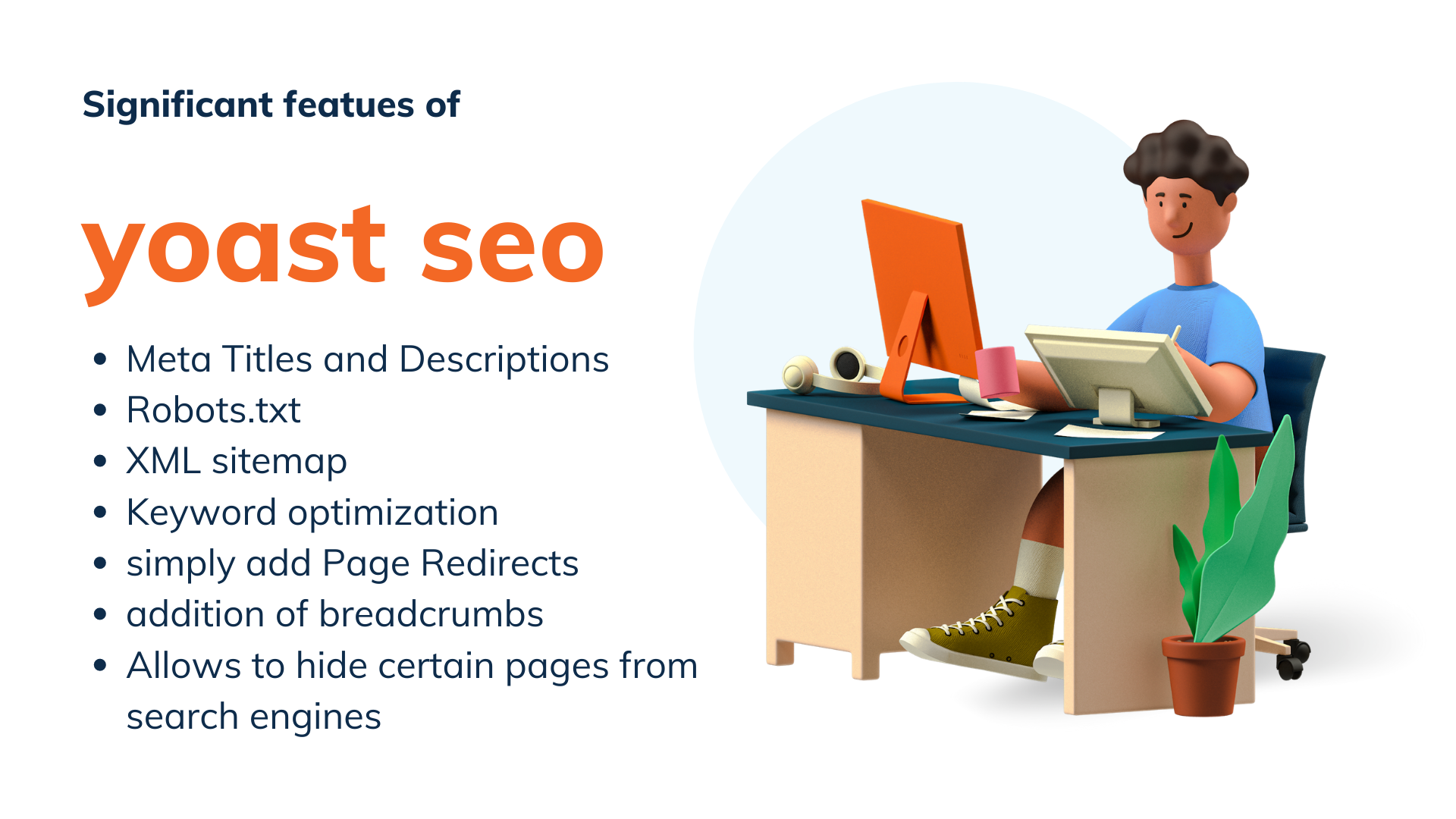
Yoast SEO is a powerful WordPress SEO plugin that aids in the optimization of your site for search engines. Both the free and premium versions have acquired over 5 million downloads. It not only enhances the overall SEO of your website, but it also aids in technical optimization. While Yoast SEO can be quite beneficial to your website, the following are some of its most significant features:
- Optimization of Meta Titles and Descriptions: Yoast SEO makes it simple to change and upload Meta Titles and Descriptions in bulk.
- Robots.txt: The directives you provide in your robots.txt file tell Google spiders whether or not they are authorized to crawl or index a page. Using the Yoast SEO plugin, you can instantly change this.
- The XML sitemap is a crucial component of SEO. Once new material is published to a page or a new page is added to your site, Yoast SEO automatically generates/edits sitemaps. It also updates the sitemaps and delivers them to Google and Bing. This speeds up the indexing of your content in search results.
- Using this WordPress SEO plugin, you may additionally optimize for a variety of relevant keywords, synonyms, and related keywords.
- Allows you to simply add Page Redirects: If the content of a page has been transferred to another page but you are still receiving traffic on the old one, you can redirect it to the new one.
- Allows for the addition of breadcrumbs: Breadcrumbs make it easier for users to traverse your website. They also expose the internal structure of your site, which helps search engines comprehend how various pages are related or connected. Breadcrumbs should be kept basic so that both visitors and bots can understand them.
- Conceal certain posts/pages from search engines: The Yoast SEO WordPress plugin allows you to hide certain pages from search engines. Let's assume you're running a PPC campaign for a survey and develop a landing page for it — you don't want that page to be indexed. That happens when you use the WYSIWYG editor to add a ‘No-Index' tag to a post or page.
MUST READ: SEO Testing: All You Need to Know
SEMRush

SEMRush is the best all-around SEO tool available. It provides a comprehensive collection of tools to grow your traffic and is used by professional SEO gurus, marketers, bloggers, and organisations of all sizes.
It can be used to locate organic keywords and search queries for which you can easily rank. It also enables you to conduct competitive research, such as determining which keywords your competitors rank for and how you might outperform them.
The SEMRush SEO Writing Assistant tool assists you in improving your website content so that you may outperform the top 10 results for your target term. It's WordPress-compatible, which means you'll be able to write more SEO-friendly content.
All-in-One SEO Pack
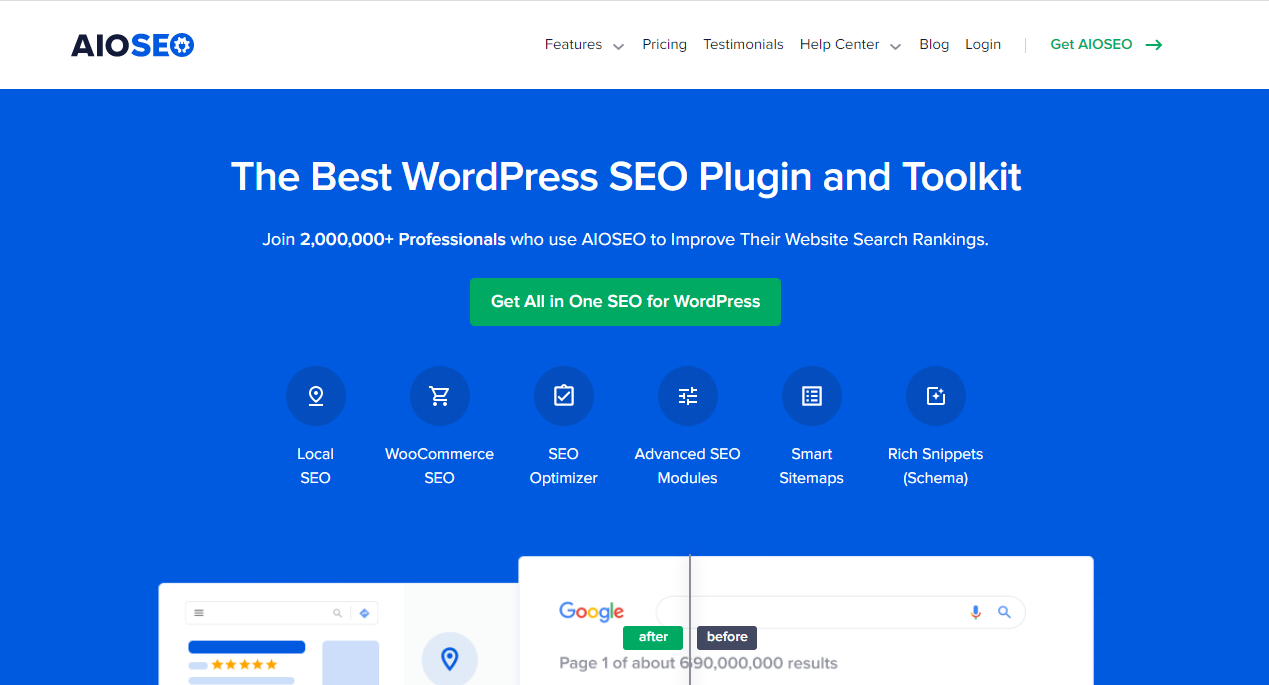
The Yoast SEO WordPress plugin's alternative is All-in-One SEO Pack. Beginners will find it simple to use, and API (Complex Program Interface) developers will appreciate the advanced features. The main features of the All-in-One SEO Pack WordPress plugin are as follows:
- Support for Google AMP (Accelerated Mobile Pages) and Analytics
- A new schema.org structured data mark-up tool that aids Google in comprehending and indexing your content.
- To avoid Google indexing and penalising you for duplicating content, specify advanced canonical URLs for your sites.
- Search engine optimization of your page titles
- Many other WordPress SEO plugins are compatible with it.
MUST READ: What is Google Penalty in SEO
WordLift

WordLift automates structured data mark-up by combining natural language processing and linked data publication.
It analyses articles and converts text to machine-readable material in order to improve user engagement and increase a website's organic traffic.
WordLift is a WordPress plugin that adds extra help in the form of content recommendations.
It also employs the power of AI to help publishers and content editors create richer content, increase organic traffic, and communicate with their audiences.
WP Rocket
WP Rocket is a WordPress speed-optimization plugin that allows you to apply a variety of speed-boosting features on your site. A fast-loading website not only enhances the user experience, but it also aids in the attainment of higher search engine rankings.
WP-Rocket is a caching plugin that aids in the optimization of a WordPress site's performance. It creates a cache folder for your blog posts' static files, and when a user reads the post, it delivers it directly from the cache folder, making it load much faster and lowering site server burden.
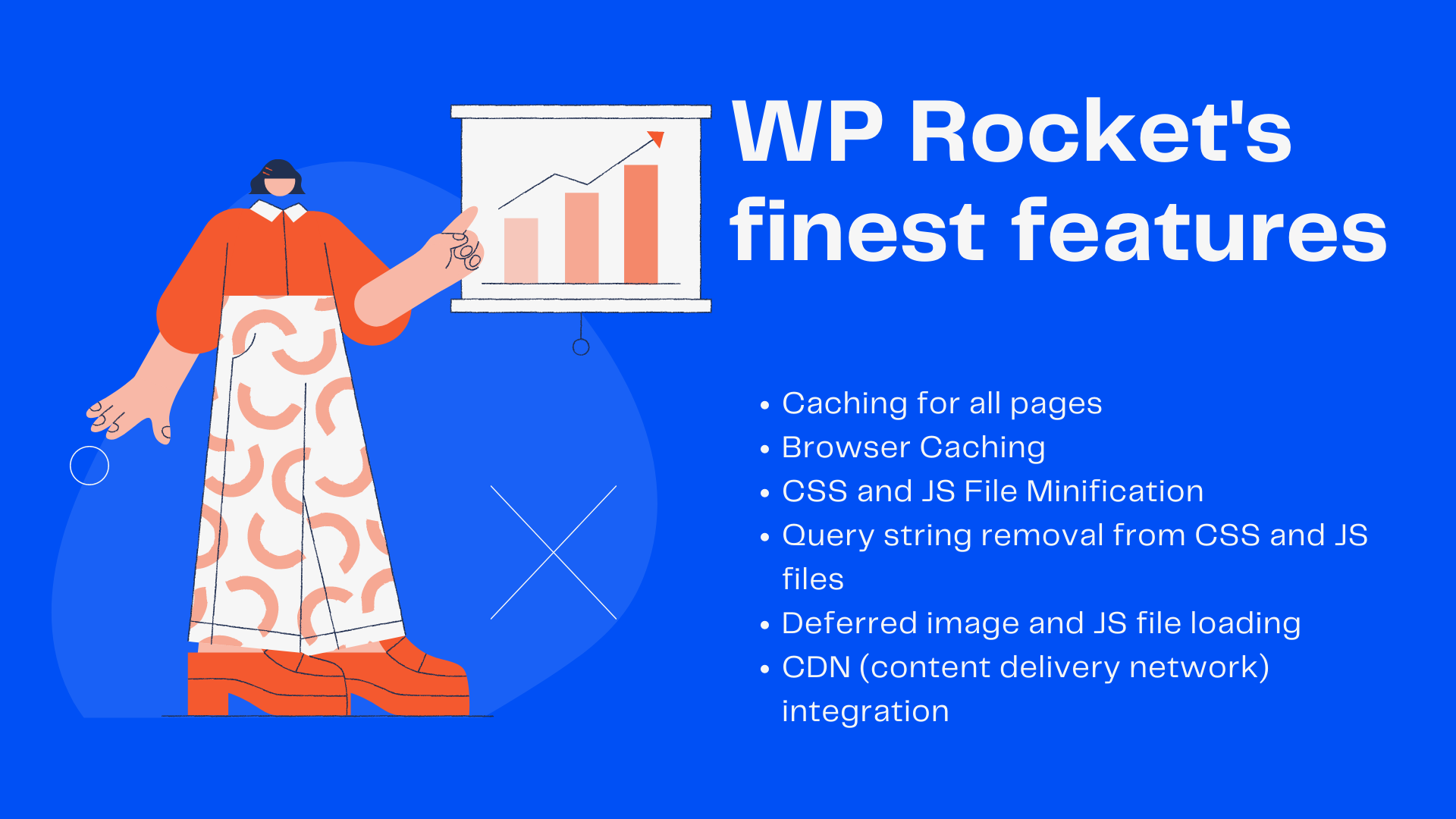
Here are a few of the WP Rocket's finest features:
- Caching for all pages: Caching reduces page load time, which improves your site's SEO significantly. When you activate WP Rocket, page caching is enabled automatically.
- Browser Caching: Browser caching keeps static stuff in your browser (JS, CSS, pictures, and so on). Even if a visitor navigates to another page on your website, this static content does not need to be reloaded.
- CSS and JS File Minification: The WP Rocket WordPress plugin uses minification to make your HTML, JavaScript, and CSS files smaller. This results in a quicker load time and a better user experience!
- Query string removal from CSS and JS files: Remove query strings from CSS/JS files to improve your GT Metrix score.
- Deferred image and JS file loading: Image files are loaded only as your visitor scrolls down the page, improving the page's load time. After the page has been rendered, JavaScript files are loaded. This will significantly reduce the website's loading time.
- WP Rocket's CDN (content delivery network) integration allows you to leverage most CDN (Content Delivery Network) providers (such as MaxCDN) to ensure that HTTP requests are delivered quickly.
Broken Link Checker
The Broken Link Checker is a WordPress plugin that scans your website for broken links. The following are some of its best features:
- Links contained in posts, pages, and comments are monitored.
- Detecting broken links, missing pictures, and redirections.
- Various essential messages are sent through email or through the dashboard.
- Search engines will no longer follow broken links.
- It has a lot of options.
Other effective WordPress SEO plugins to try include the Rel Nofollow Checkbox, SEO Framework, SEOPress, Rank Math, and All in One Schema Rich Snippets.
Do you require assistance? Digital Universe’s SEO services may be the greatest option for you if you’re not sure what you’re doing or where to begin. Do you think this article was beneficial? In the comments section, we'd love to hear from you!